Application Screenshots
This page showcases the current NoLimitConnect user interface and some core features. All screenshots are taken from the actively developed application. Click any image to view the full-size version.
Warning
NoLimitConnect is under active development.
Screenshots may change as features evolve.
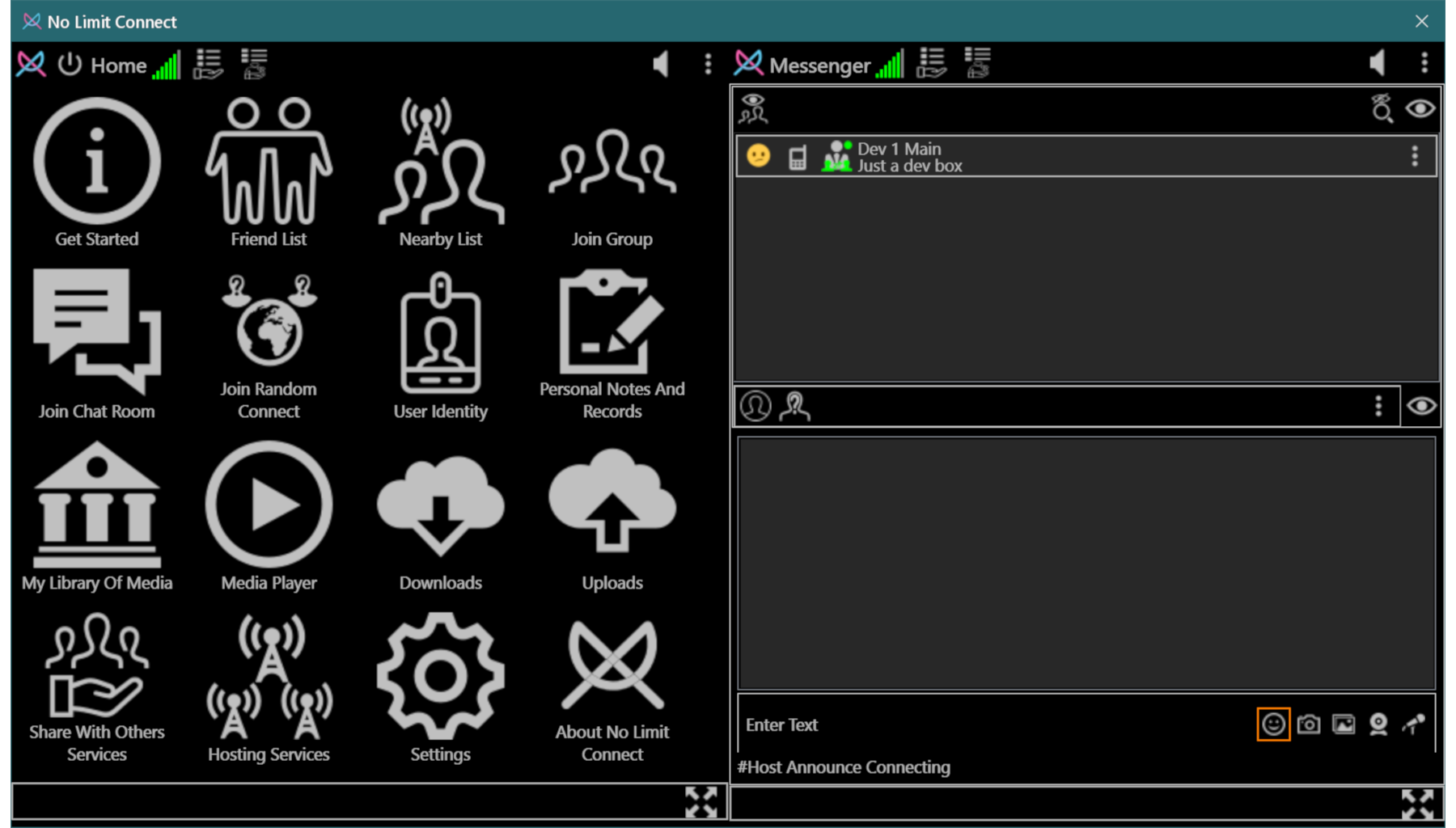
Main Interface
The primary application window showing applets, navigation, and the integrated messenger.
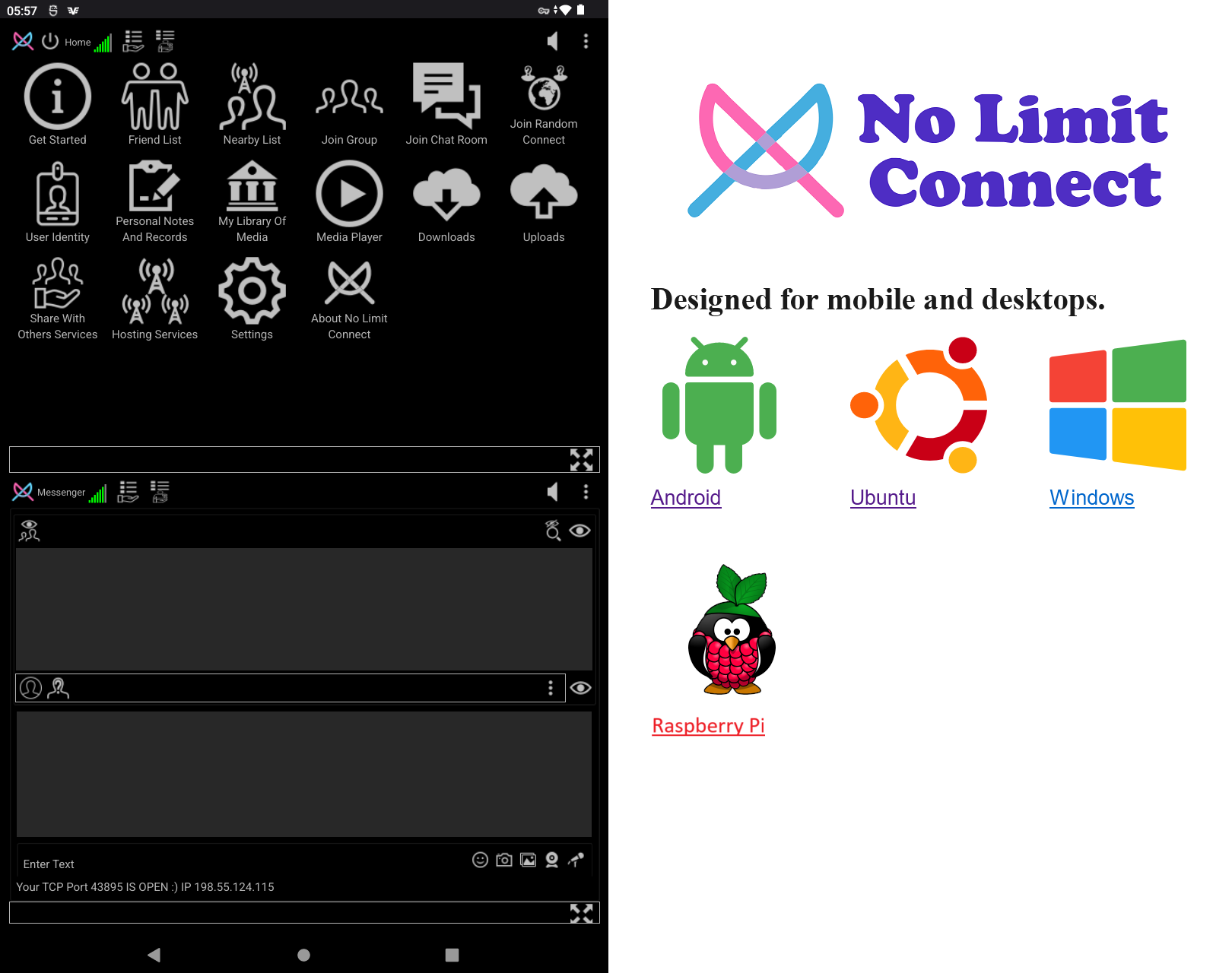
Vertical Display Mode
Optimized layout for vertical displays and smaller screens.
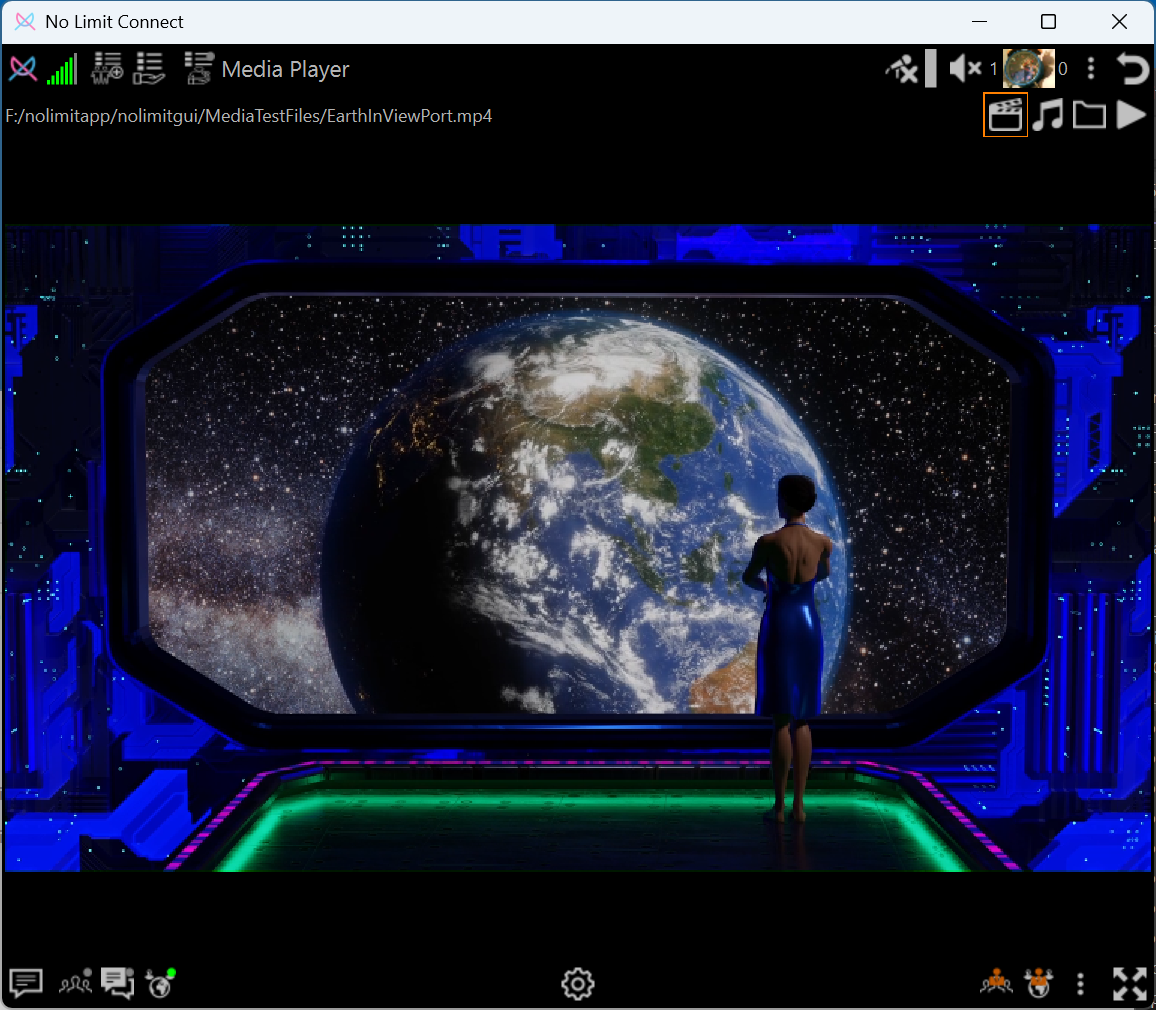
Media Player
Built-in media player playing shared video content.
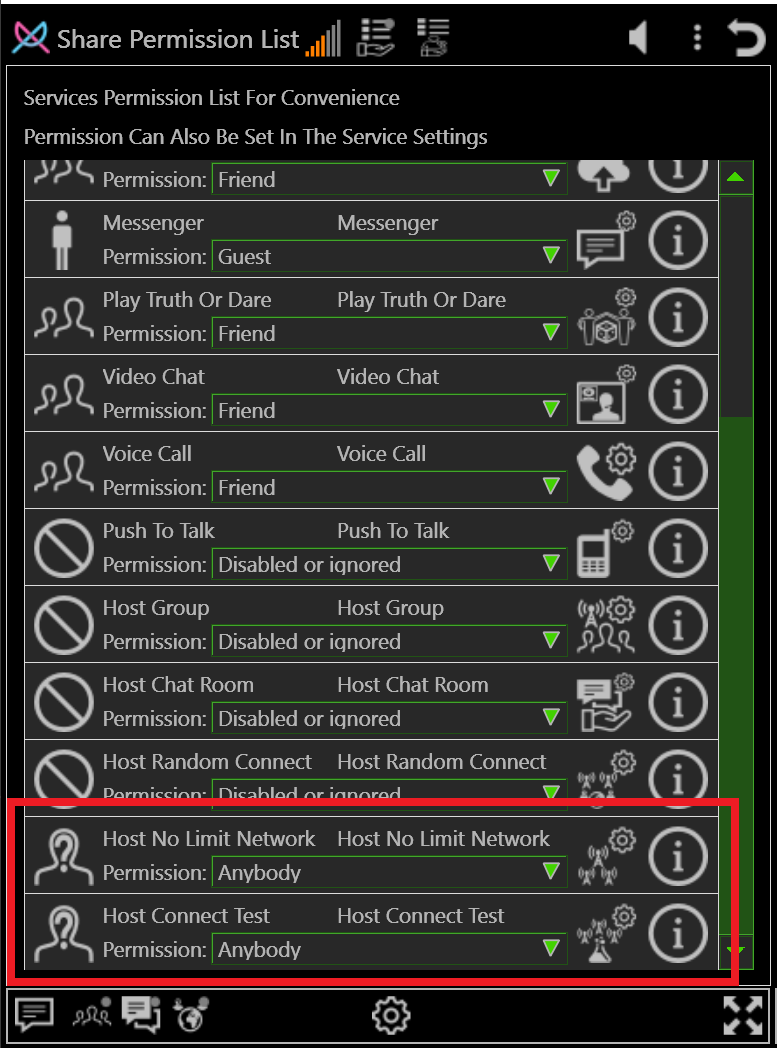
Permissions Settings
Each plugin permission in NoLimitConnect can be configured to one of the following levels:
Disabled — The plugin is completely disabled and inaccessible to all users.
Anonymous — Anyone, even users who are not identified, may access the plugin.
Guest — Only connected users marked as Guest or above may access the plugin.
Friend — Only users on your Friends list (or Admins) may access the plugin.
Admin — Only Admin-level users may access the plugin.
If you are setting up a completely seperate network then you will need to enable Host No Limit Network and Host Connect Test. In cases where you just want to host your own Group, Chat Room or Random Connect Host then just the appropriate host needs to be enabled. All hosts need a open port for users to connect to.
About These Screenshots
- Features shown:
- Messaging
- Media playback
- Applet-based interface
- Responsive layout modes
- User controlled permissions
More screenshots will be added as development progresses.