How-To Create A Network Invite
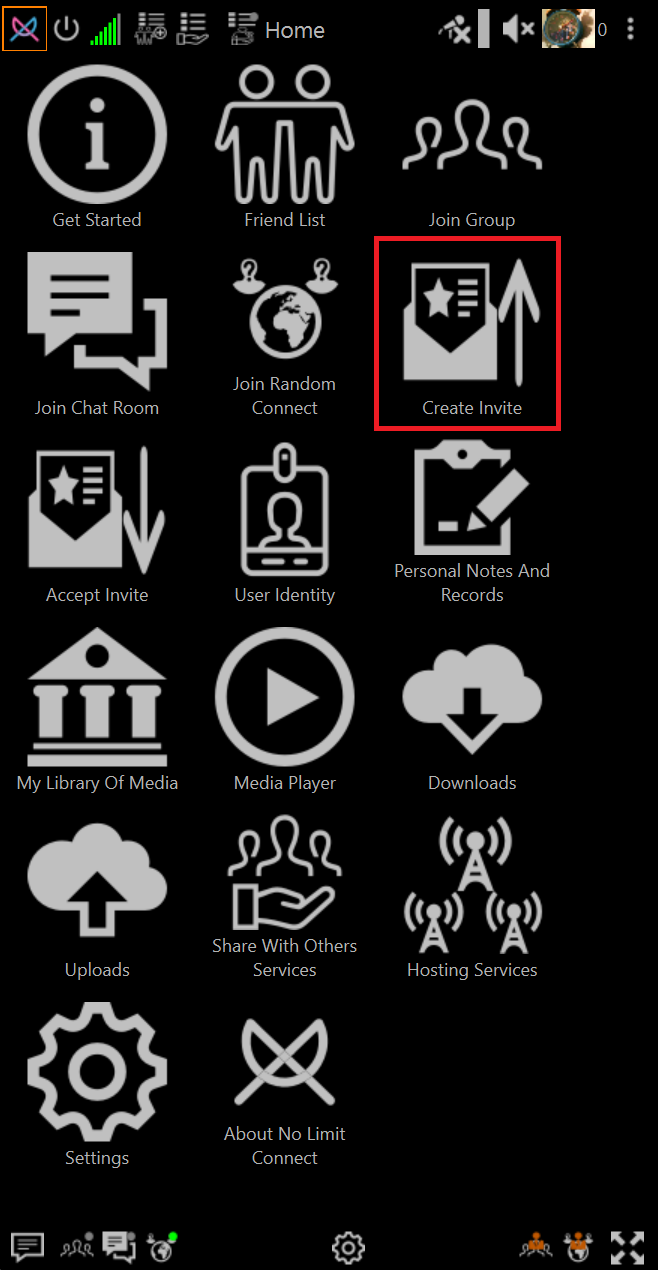
Open Create Invite
Click Create Invite on home page
Choose Invite Options
-
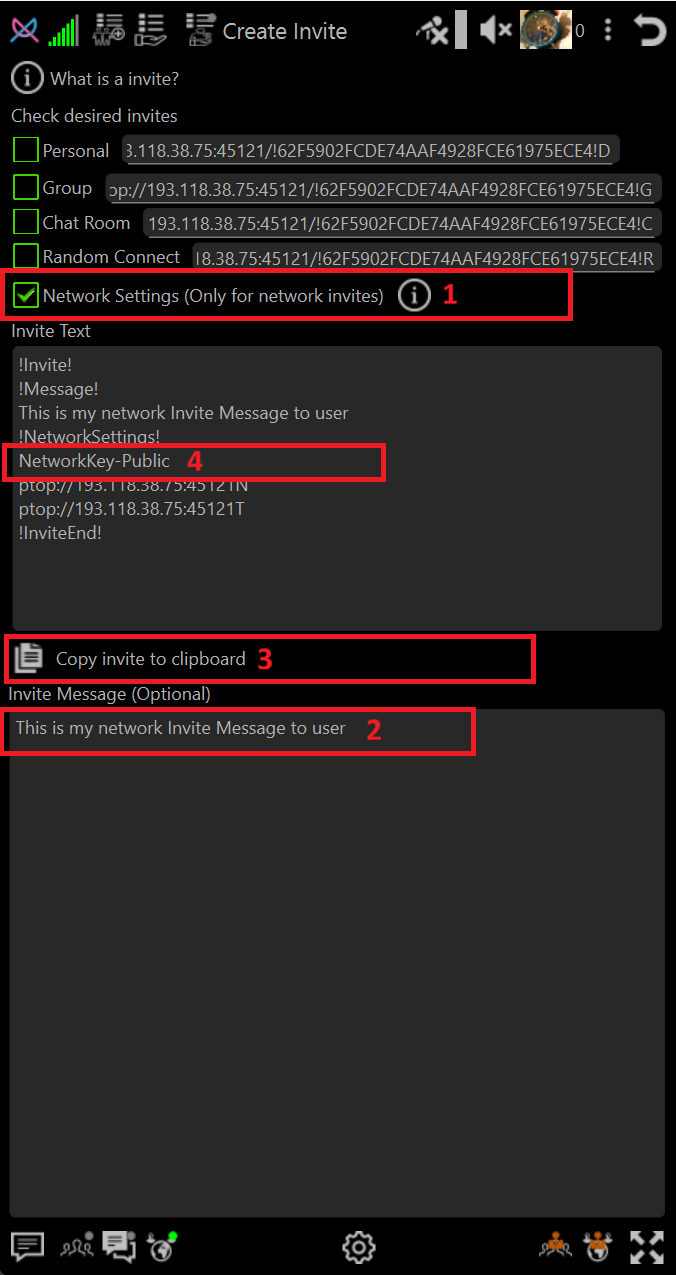
Select Network Invite
Check the box **Network Settings (Only For Network invite)
-
Optional Add A Personal Message
If desired, type the meessage. The message can be anything but in general it is useful to convey what the theme of the network is.
-
Copy the invite text using the clipboard button
Click the Copy invite to clipbard
Send the invite text to persons you want to join through any texting or email or post in chatroom etc.
-
Private Key Information
If your invite text contains NetworkKey-Private instead of NetworkKey-Public then the Network Key you have set in network settings will need to be sent seperately to the people you have invited.
For more information about public and private network keys please read Encryption Overview