How-To Play (Stream) or Download file other users have shared
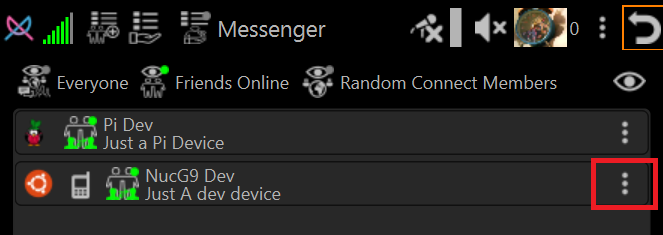
Click Person Menu
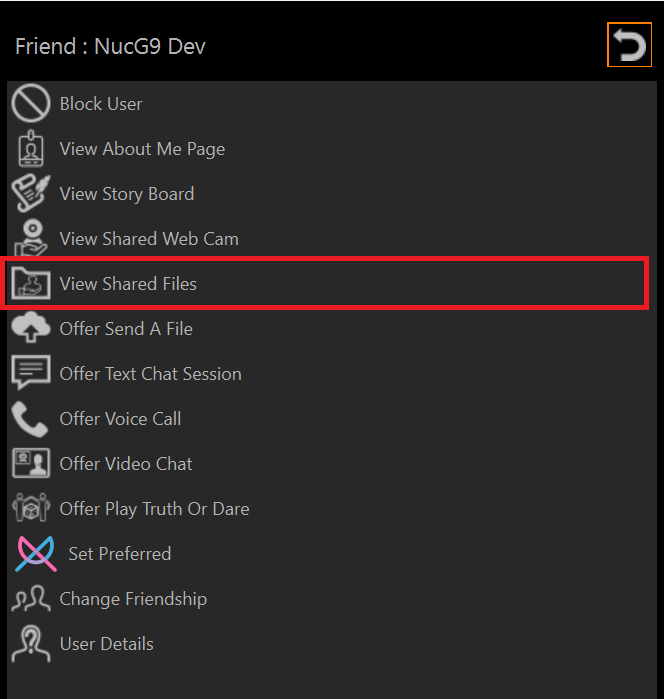
Select View Shared Files
Click Play Stream icon
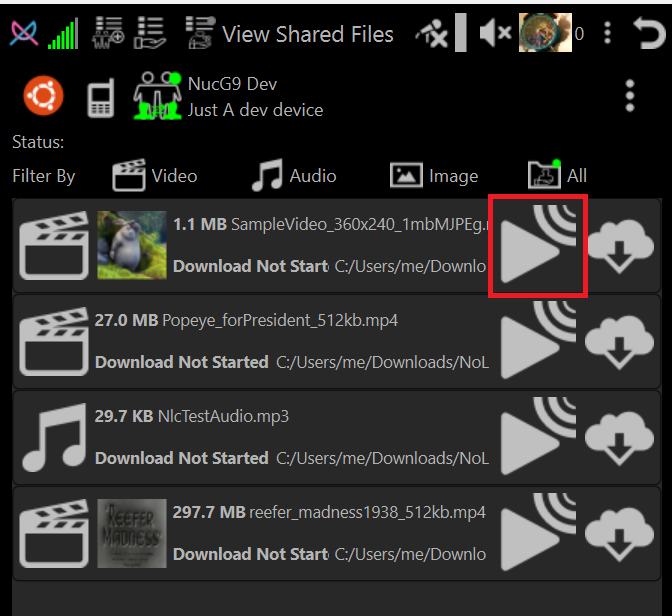
Movie will play in NLC
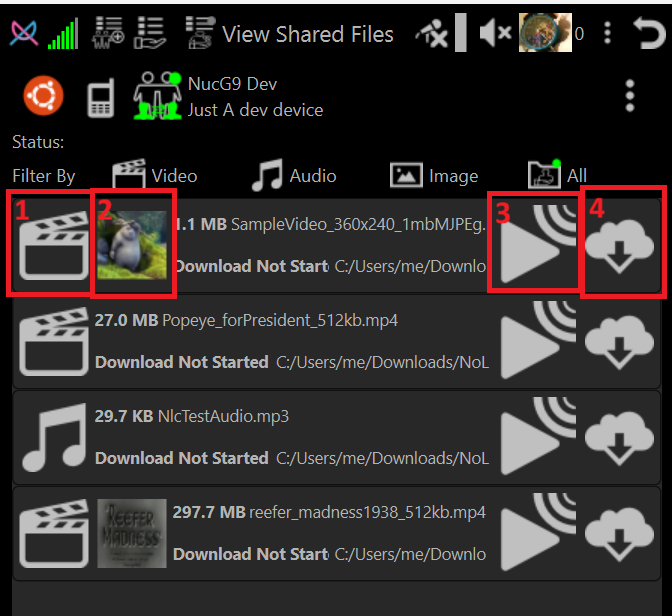
Shared File entry buttons
-
Media Type Icon
A Icon that indicates the media file type. When clicked shows information about the file
-
Thumbnail
If available shows a thumbnail associated with the media. If not available the button is hidden
-
Stream (Play media) in NLC
Play the media file using NLC built-in media player or image viewer. The file is not downloaded to your device.
-
Download File
Download and put file in Library